Back to Blog
Practical guides
Published Oct 9, 2026
Last verified Oct 9, 20268 min read
Replace a Character in an Existing Video: Scene and Occlusion Checks
A practical acceptance plan for replacing a video character while reviewing the surrounding scene.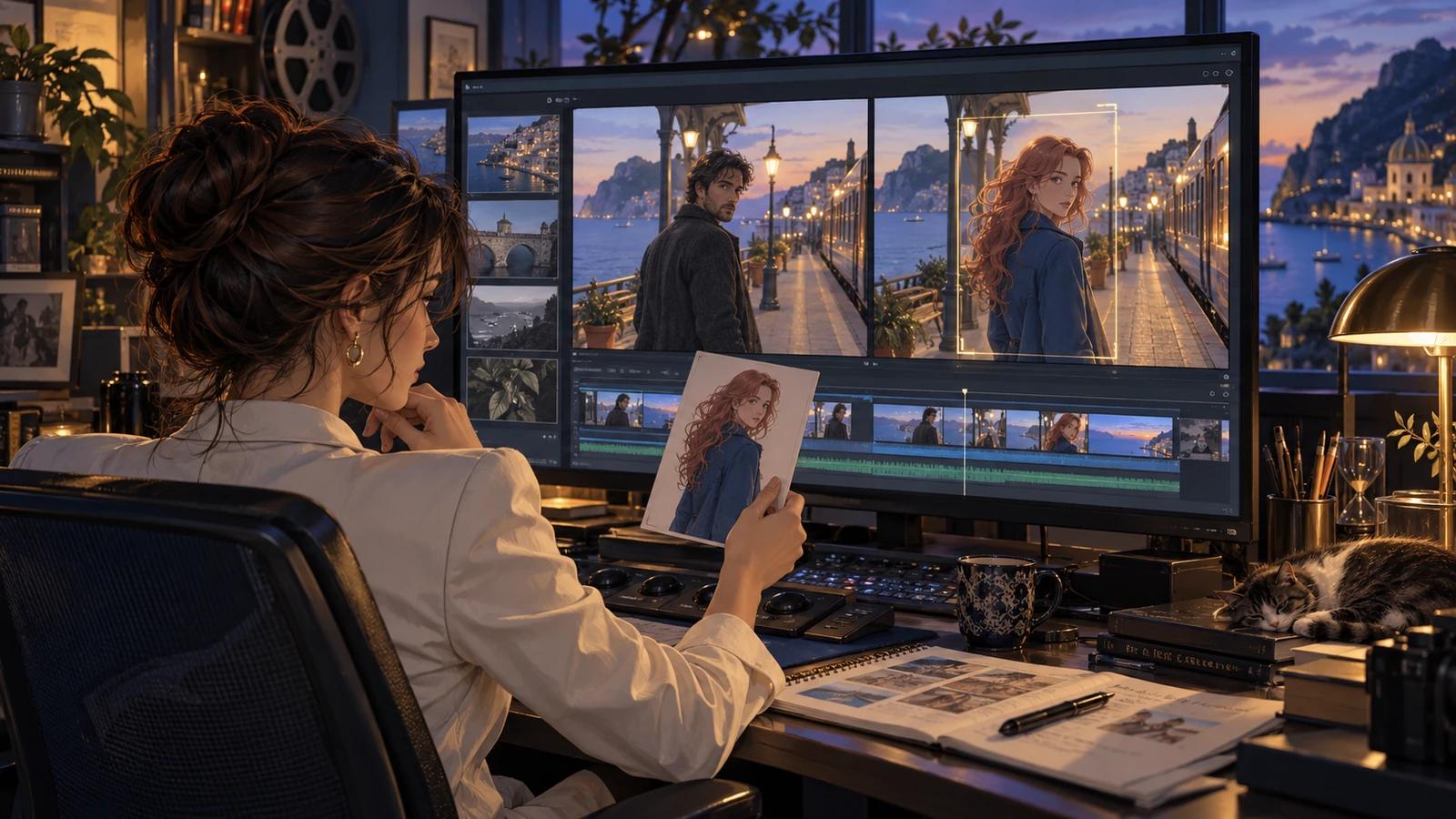
Key takeawayA practical acceptance plan for replacing a video character while reviewing the surrounding scene.
You want a different character in a video you already have. The character's appearance should change, while the original scene remains your comparison target. Wan Animate provides a Replace mode for this task. Treat scene preservation as something to verify in the result, not a guarantee that every original pixel will remain unchanged. This guide contains no new generated example or measured quality claim.
Choose Replace for the right job
Replace uses a character image and a reference video. The image supplies the replacement character; the video supplies the scene and performance to be transformed. Animate is a separate motion-transfer mode. If the task is only changing a face in a still image, this workflow is broader than you need. If you need a precise mask around one of several people, do not assume this route provides a person selector or frame-by-frame mask editor.
Write two lists before uploading. “Change” might contain the character's outfit and appearance. “Preserve and inspect” should contain camera movement, background objects, the action and important scene boundaries. A list helps you judge the result; it does not force the model to preserve each item exactly.
Confirm rights and choose a manageable shot
Use a source video and replacement image you are allowed to process, with consent for the people whose likenesses are involved. Keep both originals. Do not present a generated replacement as evidence that a real person performed the action.
For a first suitability review, choose a shot with one clearly visible subject. Inspect where a hand crosses the face, clothing passes behind an object or the person leaves the frame. Note mirrors, shadows and reflections. These areas can reveal replacement mistakes that a single attractive frame hides. A crowded shot or repeated scene cuts needs more review; this guide does not promise accurate selection of one person in a group.
Prepare both sources
Open the character image and check the details you want to preserve: clothing, silhouette and visible face. Choose an image with enough of the body visible to inspect the planned action. This is preparation advice, not a guarantee that missing details can be recovered.
Play the entire reference video. It must be longer than 0 and no longer than 30 seconds. The server measures the actual reference duration for the free cost estimate. The reference guides output length, without a separate 5/8-second control or a promise of an identical finished length. Follow the current uploader format and size limits, and use an accessible media URL if entering a link. Upload success alone does not guarantee model acceptance. Record both reference duration and the downloaded output duration.
Select Replace explicitly and check the cost
Open the Playground link below, sign in or register, and complete the access confirmation required by the interface. Check that Wan Animate and Character animation are selected. Add the character image and reference video. Then select Replace explicitly: opening this link does not guarantee that Replace is already selected. Inspect the selected mode again before any paid submission.
Choose 480P or 720P, prepare the two sources and request the free estimate before generating. This reads the reference video and current account rate; it does not start a generation or reserve credits. Review the measured reference duration and maximum charge. Confirm that maximum only when the sources, mode and resolution are right. If a source, setting or price changes, or the estimate expires, request a new estimate and confirm it again. The signed estimate lasts 10 minutes. There is no separate requested output duration to select.
The dated public rate is $0.053 per second at 480P and $0.109 at 720P; the current rate in your account takes priority. For illustration, a measured 5.02-second reference costs 5.02 × $0.053 = $0.26606 before rounding at 480P, so the confirmed reserve is $0.27. At 720P, 5.02 × $0.109 = $0.54718, rounded up to $0.55. These are arithmetic examples, not generated tests. Each positive final task charge is also rounded up to whole cents and cannot exceed the confirmed reserve. When reliable output-duration information is shorter, the final calculation uses that shorter duration and releases any unused reserve; for example, 4 seconds at 480P rounds to $0.22, releasing $0.05 from a $0.27 reserve. If reliable duration information is missing, billing uses the measured reference estimate, clearly identified as an estimate, rather than claiming a measured final duration.
Adding funds is separate from the task charge. Sign in or register, check the free estimate, then use your account’s actual payment options if more balance is needed. Review a fresh estimate after changes before generating. No universal minimum top-up is stated here. A prompt can describe the intended change, but does not provide precise person selection. This model has no separate audio option, so keep required audio in your editor until you have checked the download.
Review the scene and character separately
First inspect whether the intended character has been replaced acceptably. Compare the beginning, an occluded moment and the end. Check facial changes, hands, clothing boundaries and whether original features reappear.
Then inspect the scene without focusing on the new character. Look at stationary objects, camera motion, shadows, reflections, cuts and the frame edges. Watch the full clip for flicker and unwanted movement. Record the actual duration and dimensions, and check sound separately. A good-looking new character does not compensate for a damaged client logo or a changed scene object.
Use the worksheet to accept, revise the image, choose a simpler source or stop. Before another paid attempt, identify a specific source change and a spending limit. There is no fixed completion-time promise. If your task requires unchanged pixels, exact masking or reliable group-person selection, do not treat this workflow as a verified substitute for those tools.
Related resources
Use the Wan Animate model page for current model information and the pricing page for public rates. The consent guide provides additional considerations for using a person’s likeness.
Public unit rates checked October 9, 2026
| Resolution | Public USD per second | 5.02-second reference: maximum reserve example |
|---|---|---|
| 480P | $0.053 | $0.27 after rounding; arithmetic only |
| 720P | $0.109 | $0.55 after rounding; arithmetic only |
Current account rate and the confirmed estimate take priority. Positive final charges round up to whole cents, stay within the confirmed reserve, and release unused reserve. No paid test was performed for this guide.
Character replacement and scene-preservation worksheet
| Area | Record in the original | Inspect in the output |
|---|---|---|
| Permissions | Source/video/likeness consent; originals kept | Output labeled appropriately; task ID |
| Replacement identity | Target appearance, clothing and silhouette | Intended character recognizable; original features reappear? |
| Occlusion | Timecodes for hands, crossing objects and hidden body areas | Boundary smearing, disappearing limbs or incorrect layering? |
| Background | Three fixed objects or text/logos to preserve | Changed objects, altered text or unexpected motion? |
| Light and reflection | Shadows, mirror/reflection positions and light direction | Unwanted shadows, reflections or inconsistent lighting? |
| Shot continuity | Camera motion, cuts, entering/leaving frame | Flicker, movement changes or wrong character persistence? |
| Reference length, reserve and final charge | Measured reference duration; selected mode/resolution; confirmed maximum | Actual output length; recorded charge; unused reserve released; measured duration or estimate identified |
| Audio and decision | Required audio kept in editor; one spending cap | Check sound; accept / revise / simplify / stop, with reason |
Frequently asked questions
How is Replace different from Animate?
Replace targets character substitution inside the reference video. Animate uses video motion to drive the image character. Check that Replace is selected for this task.
Does the link automatically select Replace?
No guarantee is made. It selects Wan Animate and Character animation; select Replace in the form and verify it before paying.
Can I choose one person in a crowd with a mask?
This guide does not establish a person selector or mask editor for this route. Do not promise exact replacement of one specific person in a group.
Will every background detail stay unchanged?
No. Review objects, text, reflections, camera movement and occlusion separately from character appearance.
How do I confirm duration and the maximum charge?
Request the free estimate for the prepared sources, mode and resolution. There is no 5/8-second output control. Confirm the measured reference duration and maximum reserve before generating. Positive final charges round up to whole cents and cannot exceed that reserve. Unused reserve is released; missing reliable duration information uses the clearly identified reference estimate.
Does this replace a full video editor?
No. Keep originals, audio and assembly in your editor. Review the completed clip; execution is paid and no exact masking, fixed speed or measured-quality claim is made.