Back to Blog
Practical guide
Published Oct 9, 2026
Last verified Oct 9, 20267 min read
First frame or reference video: choose the right AI video input
Choose an opening frame or references for a new Wan 3 shot. Check input combinations, the 30-second duration budget and cost before generation.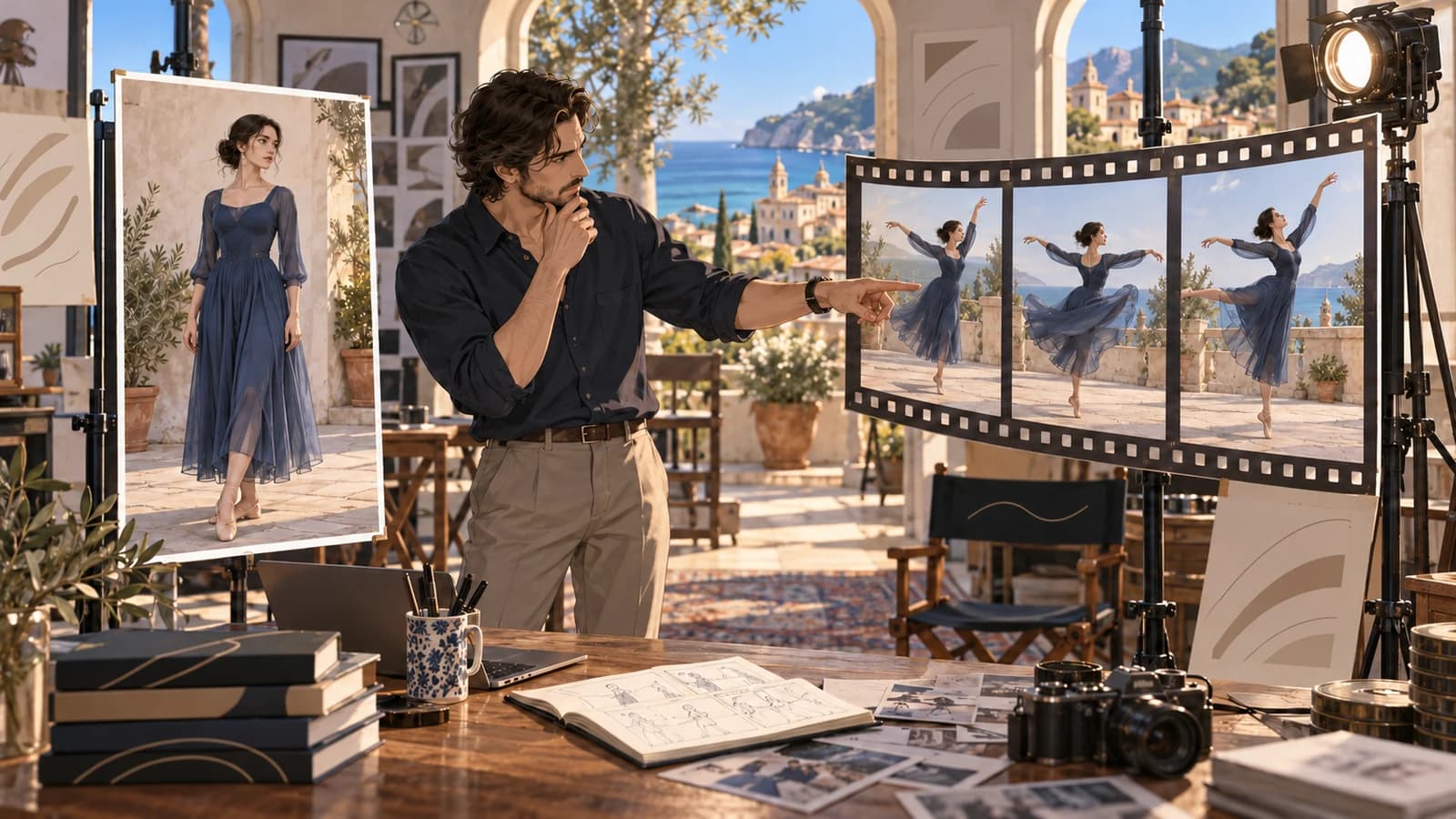
Key takeawayChoose an opening frame or references for a new Wan 3 shot. Check input combinations, the 30-second duration budget and cost before generation.
Choose the input from what you need to control. If the new shot should begin from a particular still, use Image to video with a first frame. If you want to guide a new shot with reference images, video or audio, use Reference to video. These are separate Wan 3 Spicy modes, not interchangeable upload boxes.
Start with the desired result
Write one sentence about the result before choosing files. “Begin from this product photograph and move the camera gently” calls for a first frame. “Create a new shot guided by these visual references” calls for reference inputs. If you need to change an existing clip while keeping its timeline, neither choice establishes that editing behavior. Choose a suitable existing-video editor instead.
A first frame describes the intended starting picture; it does not guarantee unchanged pixels throughout the clip. A reference helps guide generation; it does not promise exact copying of a person's face, motion, voice or camera path. Keep a record of the specific details you will inspect rather than using “same as reference” as an acceptance standard.
Keep the two input routes separate
Image to video requires a first image and optionally accepts a last image. It does not accept the reference arrays. Reference to video requires at least one reference image, video or audio and does not accept first/last frames. A last frame without a first frame is invalid. Do not move the same file into every field hoping for stronger control.
The current reference route allows up to 10 images, 5 videos and 5 audio files. The image checks require 240–8,000 pixels per side, at most 20 MiB and a side ratio no greater than 8. In the browser, use supported JPEG/PNG/WebP images, MP4/MOV videos and MP3/WAV audio that the current uploader accepts. These counts are ceilings, not a recommendation to fill every slot. Start with the smallest set that describes your task and keep permission for every source.
Budget reference length before output length
Wan 3 Spicy offers whole-number output durations of 2–30 seconds. Reference videos together must be at most 15 seconds, and their total plus the requested output must be at most 30 seconds. Reference audio has its own combined 15-second ceiling; do not silently add it to the video rule. The examples below use manually chosen durations, not automatic duration.
For example, 15 seconds of reference video plus 15 seconds of output fits the duration checks. The same reference plus 20 seconds of output does not. Five reference seconds plus 25 output seconds fits. These are validation examples, not demonstrations of quality or exact motion copying. Inspect the measured lengths shown by the tool rather than relying on the filename.
Compare the cost of the output you want
Public Wan 3 Spicy rates checked October 9, 2026 are $0.045/second at 480P, $0.090 at 720P and $0.180 at 1080P. The current ModelRush estimate for this operation uses requested output seconds; the reference-duration budget is a separate input check. Five output seconds at 480P calculate to $0.225, reserved upward to $0.23. Your current account rate takes priority. This does not claim anything about another service's reference charges.
A top-up adds balance; it is not the cost of a single output. Check current price and funds before paid generation, and use only the payment options actually offered in the account. There is no universal minimum top-up, free generation or fixed completion-time promise here.
Enter the right tool and review one decision
Use the matching link below, sign in or register and complete the access confirmation shown by the product. Verify Wan 3 Spicy and the selected tool. The tool link restores its matching input mode, but inspect the actual form after changing tools or restoring a saved draft. Remove inputs that belong to the other mode. Review duration, resolution, aspect ratio, audio choice and the current estimate before submitting.
After downloading, record actual duration and dimensions. Compare the starting image if you used a first frame. For references, inspect the particular subject, motion or sound details you named beforehand. Use the worksheet to decide whether the result fits, whether one reference should change, or whether this was the wrong kind of task. No paid generation was made for this guide.
Related resources
The reference-to-video guide explains the dedicated reference route in more detail. The model and pricing pages provide current availability and public rates.
Input decision and duration checks
| Your requirement | Choose | Boundary |
|---|---|---|
| Start from a particular still | Image to video | First frame required; last optional; no reference arrays |
| Guide a new shot with media | Reference to video | At least one reference; no first/last frame |
| 15 s reference video + 15 s output | Reference route | Within 15 s reference and 30 s combined ceilings |
| 15 s reference video + 20 s output | Revise before paying | 35 s combined exceeds 30 s |
| Edit the existing clip timeline | A supported video-editing workflow | References do not establish editing or exact preservation |
These are product input checks, not quality tests. Audio references have a separate total limit of 15 seconds.
Input-choice and acceptance worksheet
| Question | Record before payment | Inspect after completion |
|---|---|---|
| Task | New shot from still / new shot with references / edit existing | Was the selected kind of task correct? |
| Starting picture | Exact composition, if using first frame | Starting layout and subject placement |
| Reference purpose | One named visual/motion/audio detail per file | Did that detail guide the result usefully? |
| Conflicting files | No reference arrays with first/last frames | Wrong-mode or unexpected source influence? |
| Duration | Reference-video sum; output; combined ≤30 s; audio sum ≤15 s | Actual duration and intended action coverage |
| Price | Output duration × current rate; balance and personal cap | Recorded charge; no reference-price assumption |
| Decision | One acceptance requirement | Accept / change one reference / change mode / stop |
Related resources
Questions before you run
Is a first frame the same as a reference image?
No. The first frame belongs to Image to video and describes an opening picture. A reference image belongs to Reference to video.
Can I use first/last frames and references together?
No. These input groups are mutually exclusive in Wan 3.
Can Reference to video accept images only?
Yes. At least one reference image, video or audio is required; a video file itself is not mandatory.
How much reference video can I use?
At most five files with total measured length no greater than 15 seconds, and reference-video total plus output duration no greater than 30 seconds.
Does reference audio share the same 30-second rule?
The verified combined 30-second check is reference video plus output. Reference audio has a separate total limit of 15 seconds.
Does a reference guarantee the same motion or person?
No. Name the details you need and inspect the actual output. No exact copying or measured quality claim is made.