Back to Blog
Practical guide
Published Oct 9, 2026
Last verified Oct 9, 20267 min read
Clone your own voice for narration: a two-stage workflow
A practical checklist for creating your own voice and reusing it for narration, with separate costs for each stage.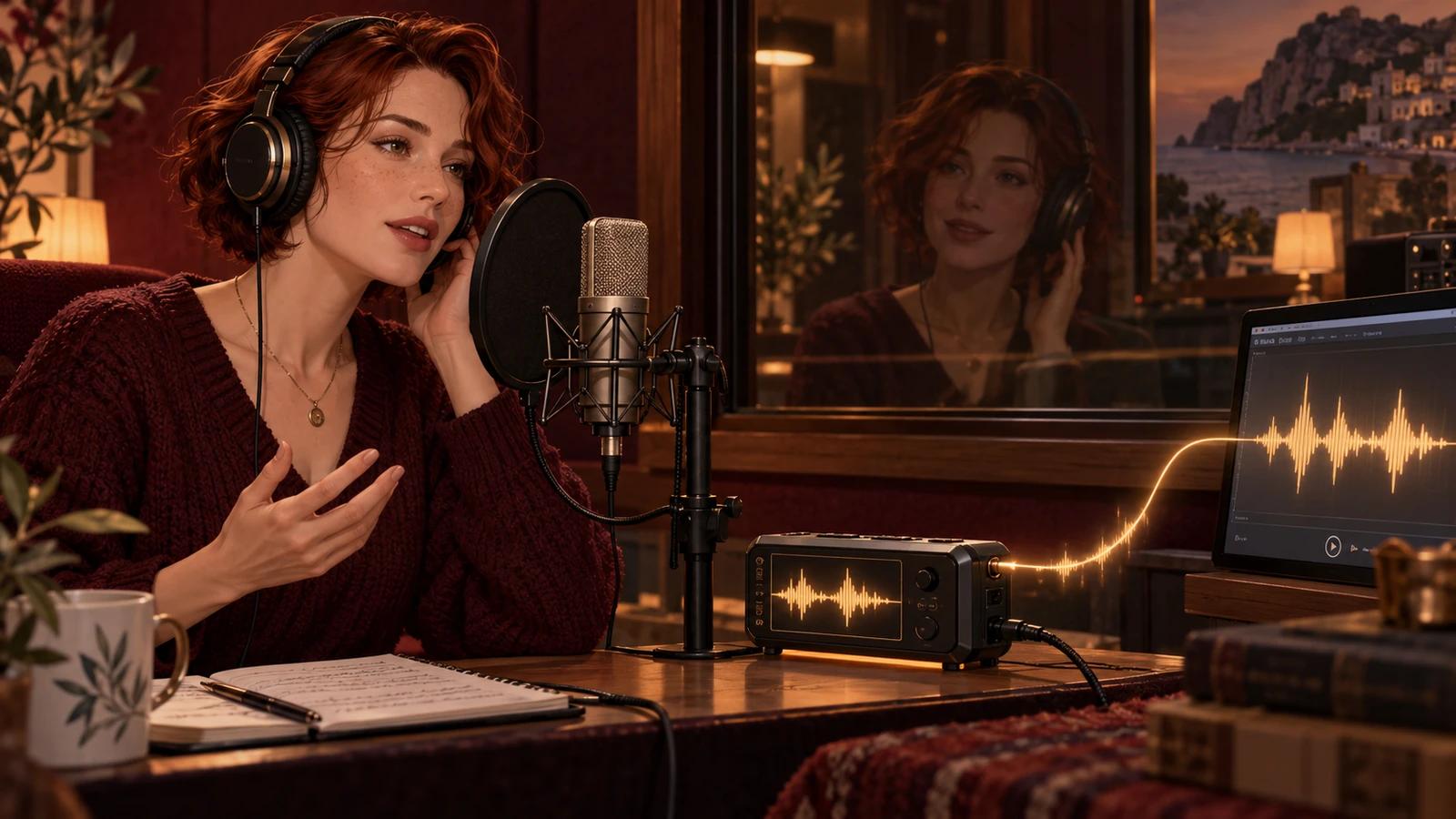
Key takeawayA practical checklist for creating your own voice and reusing it for narration, with separate costs for each stage.
A cloned voice is a reusable voice choice, not a finished narration track. Start with your own recording, or a recording whose speaker has explicitly authorized this use. Then create the voice and use its returned ID with a compatible speech model. This guide uses Qwen Voice Enrollment and Qwen3 TTS VC 2026-01-22 on ModelRush. It does not report a listening test or promise an exact match.
Decide what the recording must achieve
Write the intended use before uploading: for example, your own product walkthrough in English. Record the speaker, permission, language and planned channel in the worksheet. A voice supplied for a private demo should not silently become a public advertisement. Keep the permission record separately; do not put private identity details into a public audio URL.
Use one clean speaker and listen to the whole sample. Check the start, end, clipping and background sound. Qwen's current sample requirements include mono audio at 24 kHz or higher, a maximum of 10 MB, and a recommended 10–20 seconds. Check the provider's Qwen-TTS section for the full requirements, rather than applying another voice family's limits. ModelRush accepting a file does not prove that the provider will accept its audio.
Create once, save the compatible voice
Open the voice-creation Playground below. Sign in or create an account if asked. Review your balance and the current run estimate; complete a top-up if the balance is insufficient. Registration is not a free generation promise.
Choose Create, add your authorized sample, and give the voice a short name using English letters or digits, up to 16 characters. Select the language actually spoken in the sample. English audio needs English; leaving this setting blank uses the provider's Chinese default. Changing this setting does not translate a recording.
For this workflow, the target speech model is qwen3-tts-vc-2026-01-22. Save the returned voice ID with that exact target and the region used for creation. Keep those three values together. A successful creation does not make the voice usable with every speech model. Do not substitute the built-in voice name Cherry for your returned custom ID.
Turn the saved voice into narration
Open the Qwen3 TTS VC 2026-01-22 model page and its Playground. Select the same region, enter the saved voice ID, and paste one short narration passage. ModelRush currently accepts 1–600 characters per speech request. Split longer scripts at complete sentences and keep the selected voice and language consistent across passages.
A useful first passage includes your product name, a number and a normal sentence ending. Before using a generated track, listen for pronunciation, pauses, missing words and whether it suits the intended audience. These are acceptance checks for your own run, not results measured for this guide. Stop and correct the input if the wrong speaker, language or target model is selected.
Budget the two stages separately
Public ModelRush prices checked on October 9, 2026 show $0.011 per voice-creation operation and $0.000014 per input character for this speech model. These are ModelRush customer prices, not a claim about a provider's free quota. The public voice-management table also lists prices for list, query and delete; do not assume those actions are free.
For a 300-character passage, the simple speech calculation is 300 × $0.000014 = $0.0042. One creation plus that passage is $0.0152 before request-level rounding. ModelRush reserves positive operation charges rounded up to a whole cent. At these rates, allow $0.02 for creation and $0.01 for that speech request, $0.03 in total reserved. The final record depends on actual billable usage and the current price. A top-up adds prepaid balance; it is not the cost of this single passage.
Save a useful voice instead of creating a new one for every paragraph. Repeated speech requests still have their own costs. Use the worksheet to separate creation, each narration passage, retry decisions and recorded charges.
Keep a clear handoff
Before another editor uses the voice, share the approved use, target model, region and voice ID through your normal private workflow. Keep the audio sample and permission out of public examples. For model details and current pricing, see /models/qwen-voice-enrollment and /models/qwen3-tts-vc-2026-01-22. For a broader workflow, see /blog/ai-video-localization-workflow.
Voice and narration handoff worksheet
| Step / passage | Authorized use / check | Target model + region | Voice ID / language | Characters | Raw cost / reserve | Result / retry decision |
|---|---|---|---|---|---|---|
| Permission | Own voice or explicit permission for the planned channel | |||||
| Create | Clean sample; real language; name letters/digits ≤16 | qwen3-tts-vc-2026-01-22 / fill region | save returned ID | at checked rate $0.011 / $0.02 reserve | ||
| Narration 1 | Product name + number + sentence ending | same target and region | saved ID / actual output language | 300 example | $0.0042 / $0.01 reserve | listen before retry |
| Narration 2 | Complete next passage | same target and region | same ID | fill live estimate |
Questions before you run
Can I clone someone else’s voice?
This workflow is for your own voice or a speaker who has explicitly authorized the intended use. Having an audio file alone does not establish that permission.
Does creating a voice produce narration?
No. Creation returns a voice record. A separate speech request uses the returned voice ID and the narration text.
Can I use the ID with any speech model?
No. Keep the exact target model used at creation. This guide uses qwen3-tts-vc-2026-01-22 and keeps the creation region with the saved ID.
Why choose the reference-audio language?
It describes the language actually spoken in the sample. In ModelRush this Qwen creation option defaults to Chinese if omitted; it does not translate the audio.
What does a 300-character narration cost?
At the checked public rate, speech alone is $0.0042 before rounding. A positive request reserves whole cents, so allow $0.01 for that speech request, separately from voice creation. Check the live estimate and final record.
Can I paste a whole long script?
ModelRush currently allows 1–600 characters per speech request. Split a longer script into complete passages, reuse the saved compatible voice, and review every output before publishing.